


Indoor security monitoring is not simply about recording what happens inside a property. It is also about capturing useful visual details, identifying unexpected activity, and allowing users to check their spaces remotely. Whether monitoring a family home, retail shop, office, or warehouse, image quality plays an important role in the overall effectiveness of a security system.
A 4MP indoor WiFi security camera offers a practical balance between image detail, network performance, and storage efficiency. Compared with lower-resolution cameras, 4MP imaging can capture more visual information, making it easier to review daily activities and examine recorded footage when an incident occurs. However, resolution is only one part of a reliable surveillance solution. Camera movement, night vision, motion detection, connectivity, and storage also influence the monitoring experience.
For residential and commercial users, ANJIA combines these capabilities in its indoor security camera solutions, including the Y6204 model.
📷 1. Why Does 4MP Resolution Matter for Indoor Monitoring?
Resolution determines how much visual information a camera can capture. A 4MP security camera records images with more pixels than a standard 1080p camera, allowing it to reproduce finer details under suitable lighting and viewing conditions.
This difference can be useful in indoor environments where users need to observe people, movement, and activity across different areas. For example, a shop owner may want to review customer activity near a checkout counter, while an office manager may need to check movement around an entrance or shared workspace.
A 4MP indoor security camera can provide clearer footage for these monitoring tasks. It also gives users more flexibility when reviewing recorded video or examining specific areas of an image. Actual identification results still depend on camera placement, lighting, lens performance, distance, and the level of detail required.
ANJIA’s Y6204 uses a 1/3.2-inch image sensor and an advanced XM main control chip to support high-definition video output. Together, these components help the camera deliver clear and smooth monitoring footage for everyday indoor security applications.
🔄 2. How Does Pan-Tilt Rotation Expand the Monitoring Area?
A fixed indoor camera can only observe the direction in which its lens points. In rooms with multiple activity areas, this limitation may leave certain spaces outside the camera’s direct view.
Pan-tilt functionality provides greater flexibility. By rotating horizontally and vertically, an indoor WiFi security camera can adjust its viewing direction without requiring users to physically reposition the device.
The ANJIA Y6204 supports up to 350° horizontal rotation and 60° vertical movement. This range allows users to adjust the camera’s viewing angle and monitor different parts of an indoor space. Its precise motion tracking also helps follow detected movement, depending on the monitoring settings and operating conditions.
This feature can be particularly useful in:
- Retail stores with several customer activity areas
- Offices with shared workspaces and entrances
- Living rooms and other residential spaces
- Warehouses requiring flexible indoor observation
For buyers evaluating a pan-tilt indoor security camera, the rotation range and camera positioning deserve attention. A wide movement range can improve viewing flexibility, but installation height and room layout still determine how effectively the camera covers the intended area.

📶 3. Why Are Stable WiFi Connections Important?
High-resolution footage needs a reliable connection when users want to view live video remotely. An unstable network can interrupt streaming, delay notifications, or make remote access less convenient.
The ANJIA Y6204 supports 2.4G WiFi and Bluetooth connectivity. Its dual-band connection capability supports flexible device setup, while the Carecam PRO app allows users to access the camera through Android and iOS devices.
Remote monitoring is valuable for people who cannot remain on-site throughout the day. A shop owner can check the store after closing, while a homeowner can view indoor activity when away from the property.
The camera also uses H.265 video compression. This technology reduces the amount of data required to transmit and store video compared with less efficient compression methods at comparable quality settings. As a result, it helps manage network bandwidth and storage requirements, which is particularly relevant for users who regularly review recorded footage.

🚨 4. How Do Smart Detection Features Improve Indoor Security?
Clear video is important, but users also need a practical way to identify activity that deserves attention. Continuous manual monitoring is not realistic for most homeowners and business operators.
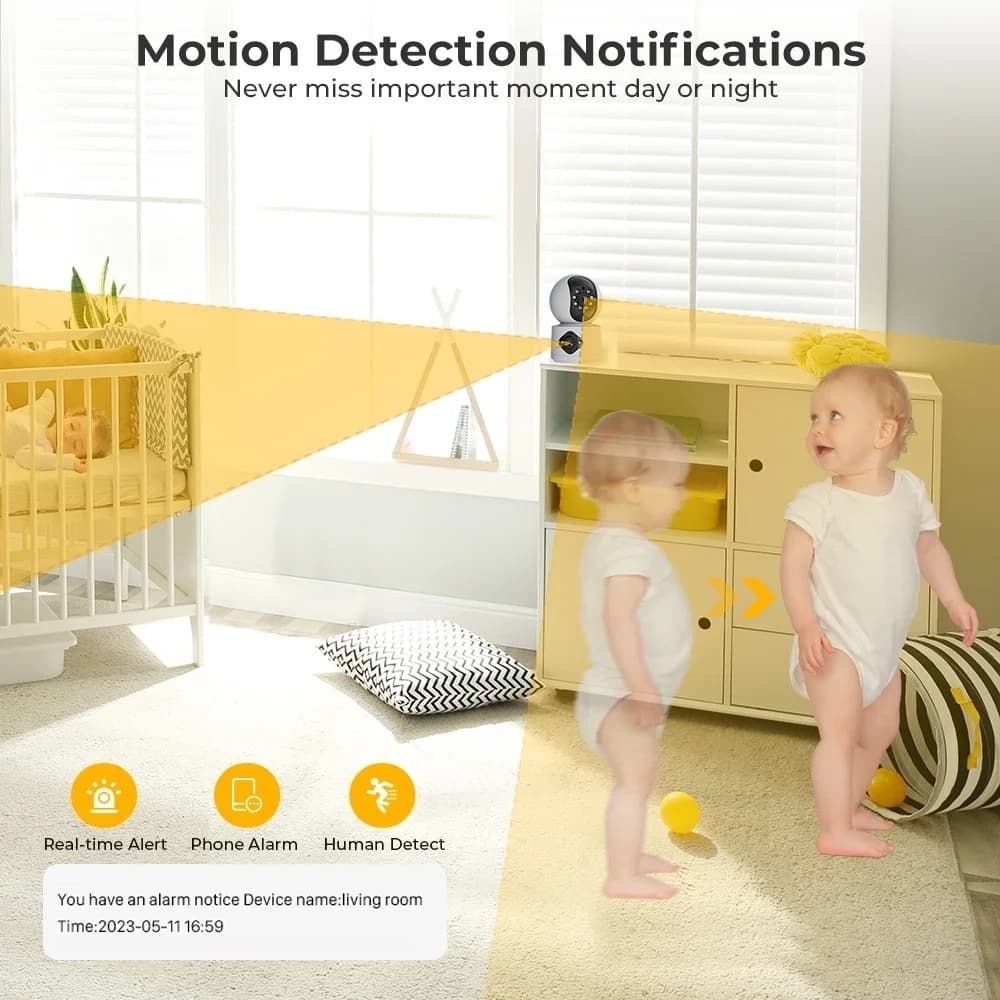
Human detection and motion detection help the camera recognize activity within its monitoring area. When the system detects relevant movement, the Y6204 can trigger alerts through sound, video, and message push notifications.
These alerts help users respond more promptly without having to watch the live feed throughout the day. For example, a retailer may receive an alert when unexpected activity occurs after business hours, while a homeowner can check a notification to see what triggered movement detection.
Detection performance depends on camera placement, sensitivity settings, lighting, and environmental conditions. Buyers should therefore consider whether the detection functions can be configured to suit their specific indoor environment.
🌙 5. What Makes Night Vision Essential for 24-Hour Monitoring?
Indoor surveillance does not stop when the lights go out. Entrances, storage rooms, offices, and retail spaces may still require monitoring during nighttime or other low-light periods.
The Y6204 integrates six infrared LEDs with a night vision distance of up to 15 meters and six white LEDs with an illumination distance of up to 10 meters. It supports both infrared night vision and full-color night vision modes.
Infrared night vision helps capture footage in dark environments without relying on visible white illumination. Full-color night vision uses white LED lighting to provide color images when the camera activates the relevant mode.
These two options give users more flexibility when choosing how to monitor indoor spaces at night. The actual viewing distance and image clarity can vary depending on room size, obstacles, ambient lighting, and installation position.
💬 6. Why Is Two-Way Audio Useful for Indoor Security Cameras?
Video monitoring allows users to observe activity, but some situations also require direct communication. A camera with two-way audio can make remote interaction more convenient.
The ANJIA Y6204 includes a built-in microphone and a 1W speaker. Users can listen to sounds near the camera and communicate through the Carecam PRO app.
This function has several practical applications. Parents can communicate with family members at home, shop owners can speak to staff, and business operators can use audio communication to address unexpected activity. In some situations, a spoken warning may also help discourage unwanted behavior. For buyers comparing indoor wireless security cameras, two-way audio is worth considering when remote communication is part of the monitoring requirement.
💾 7. How Should Buyers Evaluate Video Storage Options?
High-resolution recording creates storage demands, especially when users want to keep footage for later review. A suitable storage arrangement helps ensure that important recordings remain accessible.
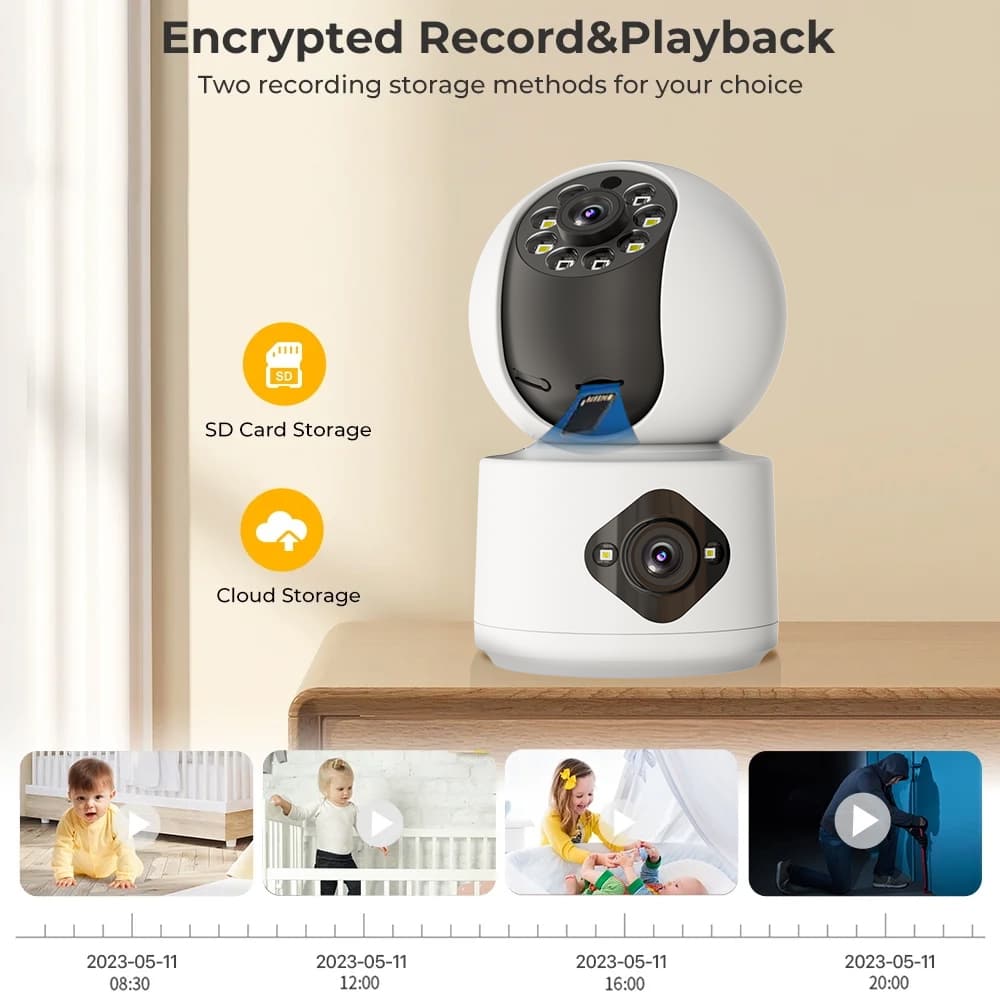
The Y6204 supports both local TF card storage and cloud storage. Its TF card capacity supports up to 128GB, providing an option for users who prefer local recording. Cloud storage offers an alternative for users who want to manage video recordings through an online service.
Combined with H.265 compression, these options help users manage recorded footage according to their storage preferences and monitoring needs.
Before selecting a 4MP indoor WiFi security camera, buyers should check supported TF card capacity, cloud service availability, subscription requirements, recording settings, and video retention policies. These details can affect the long-term cost and convenience of operating the camera.
🏠 8. Choosing an Indoor WiFi Security Camera for Different Applications
Different indoor environments have different monitoring priorities. A home user may focus on remote viewing and two-way communication, while a retailer may place greater importance on motion alerts, night vision, and recording storage.
The ANJIA Y6204 combines 4MP imaging, pan-tilt movement, human and motion detection, dual-mode night vision, two-way audio, and flexible storage options. Its operating temperature range of -20°C to +60°C also supports use in a variety of indoor environments, including homes, shops, offices, and warehouses.
When comparing indoor WiFi security cameras, buyers should evaluate the complete monitoring system rather than choosing a product based on resolution alone. Image sensor performance, viewing angles, network compatibility, detection functions, night vision, and storage options all contribute to practical performance.
For distributors, security equipment suppliers, and project buyers, ANJIA provides indoor monitoring solutions designed to combine high-definition video with smart protection features. The Y6204 offers a flexible option for applications that require remote access, adjustable viewing angles, and day-and-night indoor surveillance.

